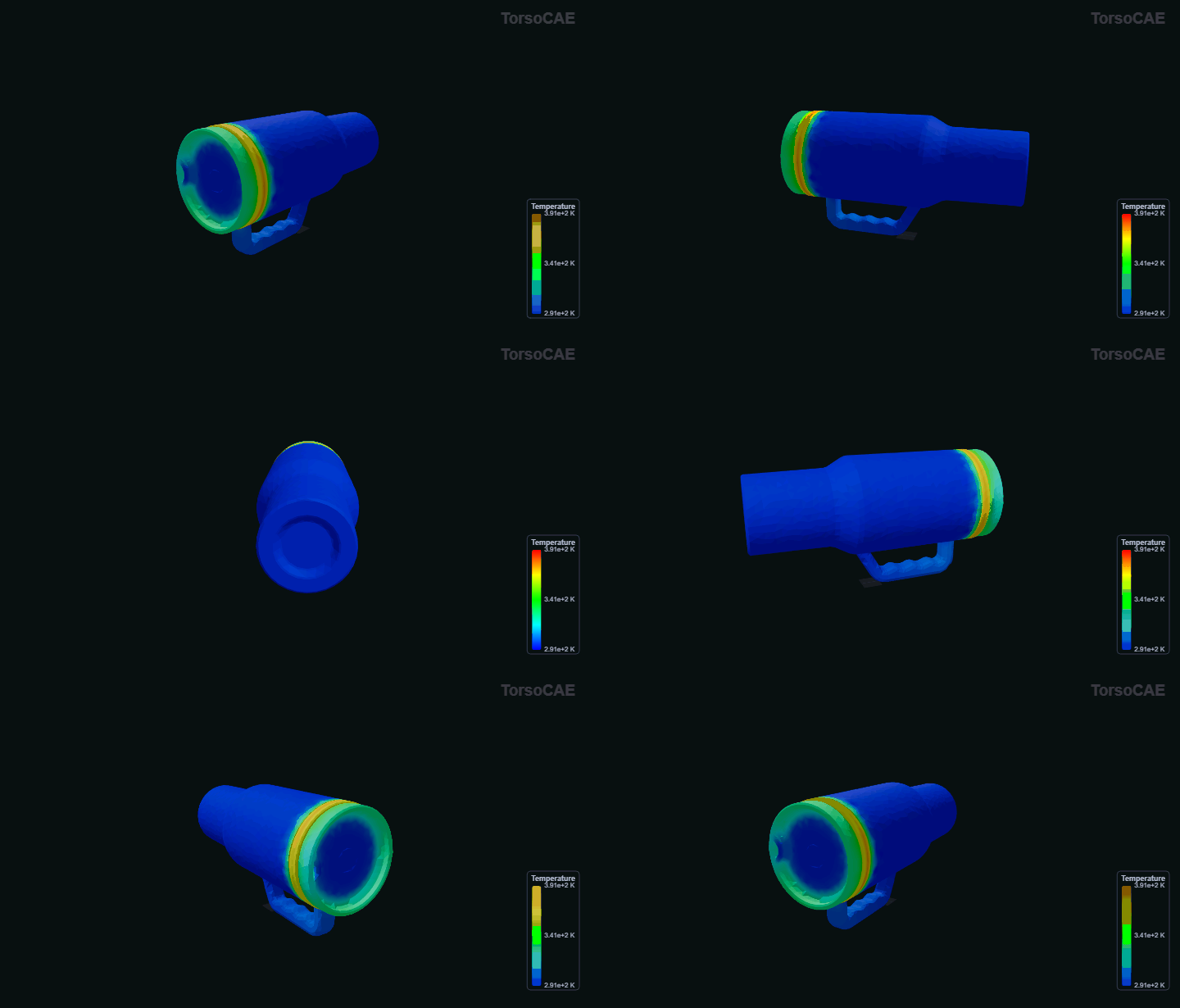
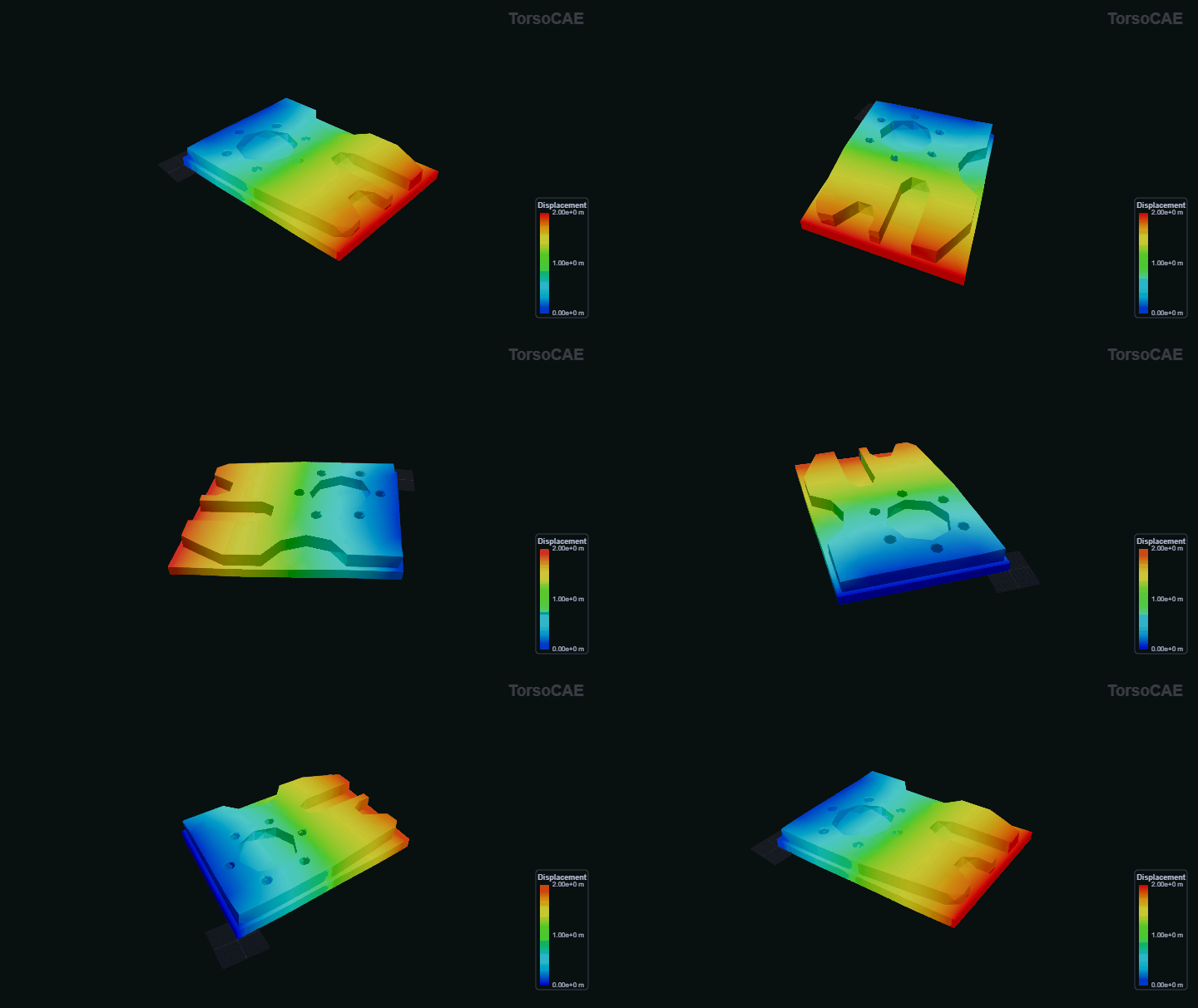
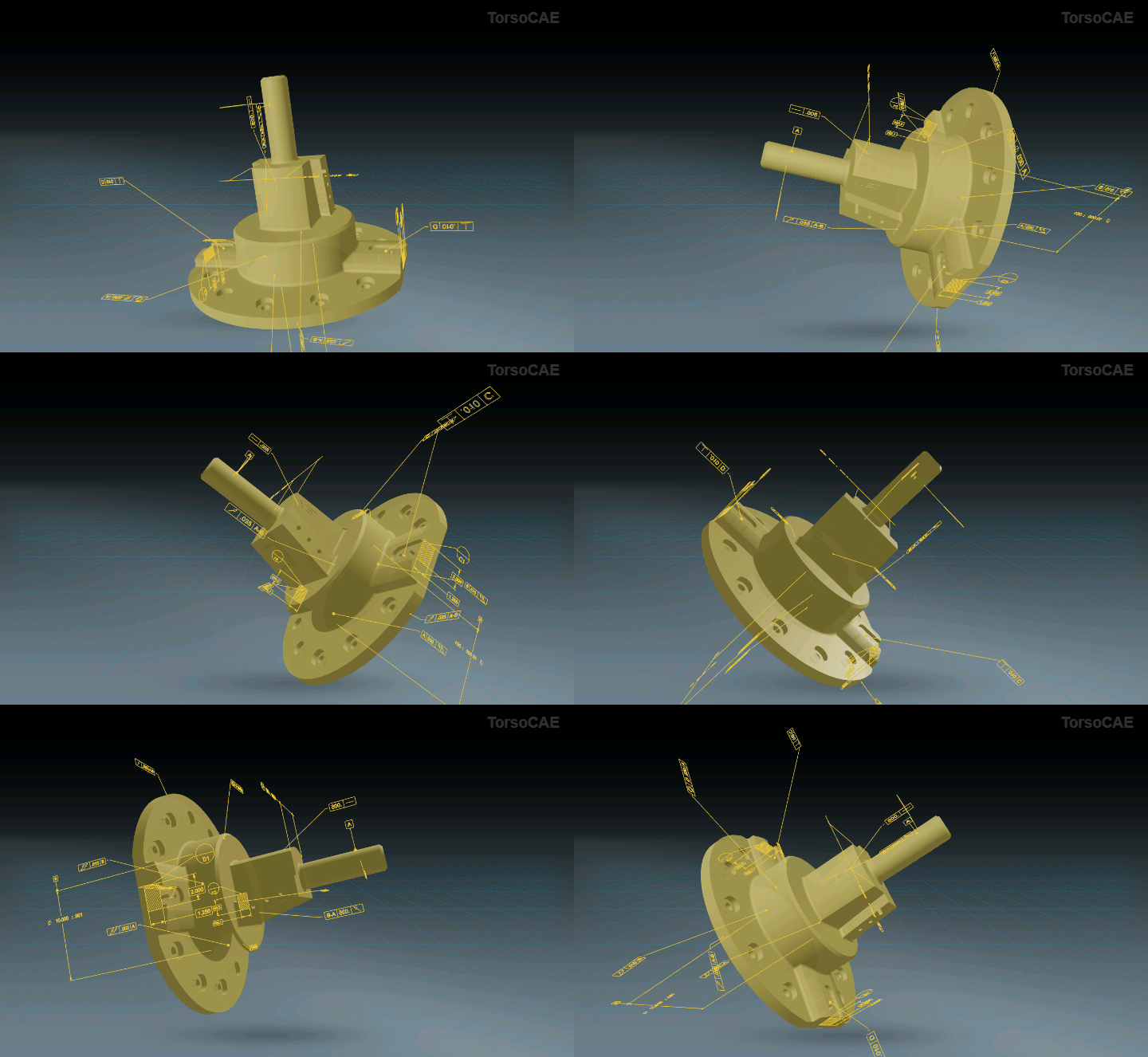
Import CAD, build or edit geometry, generate a mesh, assign materials and boundary conditions, and run structural, thermal, and modal analysis from one workspace. Every UI action becomes editable Python, while Sesame can automate the same visible setup, solve, and post-processing steps. Share a live session and a teammate sees the same viewport and model state update in real time — no separate meeting tool, no exported files. Advanced workflows extend the same model state to CFD, FSI, contact, nonlinear dynamics, flexible multibody dynamics, PINNs, and remote TorsoHPC solves.
OCCT handles geometry; Gmsh, structured, and octree paths handle meshing; DOLFINx, Kratos, MFEM, and Torso's native assembly share a common model contract. TorsoCAE provides one browser interface over these proven numerical backends without hiding which backend or solver is executing.
Browser-native CSG modeling. Boolean operations on STEP bodies with stable entity IDs for simulation-ready geometry.
Gmsh-powered meshing with hex-dominant, transfinite, and Delaunay algorithms. Automatic refinement based on curvature.
DOLFINx, Kratos, and MFEM backends for structural, thermal, CFD, FSI, and contact simulations — swap backends without changing your setup. Linear and nonlinear, serial or MPI-parallel.
Differentiable surrogate modeling powered by PhysicsNemo. Fast, predictive analysis for design space exploration.
Explore the supported model contracts, numerical backends, solver boundaries, outputs, and validation work for each core analysis area.
Materials and boundary conditions stay attached to persistent CAD parts and surfaces rather than one generated mesh. TorsoCAE maps them onto each mesh, so refinement studies and mesh comparisons can reuse the same physics setup without reapplying conditions.
Linear, dynamic, geometric nonlinear, hyperelastic, contact, RBE2, and flexible multibody workflows.
FMBDCombine deformable finite-element bodies, reference frames, RBE2 attachments, finite-rotation joints, and transient structural response.
ThermalSteady-state heat conduction, thermal fields, and coupled thermoelastic structural response.
ModalSparse structural eigenproblems, natural frequencies, and mode shapes through an eigensolver-neutral framework.
CFDLaminar, k-omega SST, conjugate heat transfer, compressible flow, and fluid-structure interaction.
CHTCouple fluid transport and solid conduction across shared interfaces while preserving the thermal and flow fields for unified post-processing.
FSIExchange fluid loads and structural motion through a coupled transient workflow with explicit interface and convergence controls.
Explore 26 completed benchmark studies spanning structural mechanics, heat transfer, and fluid dynamics. Each study documents the model definition, numerical parameters, reference solution, quantitative acceptance criterion, observed deviation, result data, and executable TorsoCAE journal.
Review Benchmark EvidenceClick your way through, replay a Python journal, or ask the AI. All three paths produce identical state.
Geometry, meshing, conditions, materials, model controls, and solves are written to the Python journal as you work. Post-display state remains with the portable project; collaboration remains a live shared session.
Saved as plain Python with stable body_0 / body_1 references — readable, diffable, parametrisable. session.csg_transform("body_2", "rotate", {...}).
Ask Sesame to create CSG bodies, group faces, assign materials, mesh with HXT, apply loads, solve, select result fields, or run a report. Its commands appear in the same replayable journal, where you can inspect and edit them.
Share a running session and a teammate joins the same viewport, model tree, and live solver progress — no export, no screen share, no separate meeting tool. One person drives at a time; everyone else watches it update live and can take over when needed.
The browser is the engineering workspace. Heavy geometry, meshing, and numerical work runs on explicit server and remote-compute layers.
Viewport, model tree, selections, materials, boundary conditions, solver controls, live progress, and post-processing.
CAD translation and healing, meshing, physics assembly, journal execution, project storage, and result streaming.
Dense, sparse, distributed DCSR, direct, iterative, and eigensolver paths receive numerical operators from TorsoCAE.
CAD, mesh identity, physics setup, journals, results, and reconnect state remain part of the TorsoCAE project contract.
TorsoCAE owns geometry, mesh, physics, and post-processing. Selecting a TorsoHPC solver routes the assembled numerical problem to the remote solver framework and returns the solution to the same model and result pipeline.
Explore TorsoHPCClick faces in the viewport. Group the ones that should share a boundary condition. Assign a fixed support, a traction, a pressure, or a temperature. Face tags survive across CAD edits and mesh rebuilds.
TorsoCAE exposes the numerical choices and preserves the artifacts needed to reproduce or audit a run.
Backend, algorithm, preconditioner, device, core count, tolerances, and time-integration controls remain visible and journaled.
Live status, available residual histories, convergence failures, and solver warnings are surfaced instead of silently replaced by another method.
Save the project and Python journal, download numerical results as NPZ, capture viewport images, and run field, reaction, contact, line, or surface reports.
Compute credits for only what you use.
Current metering is execution-based: one credit per successful server execution second, with a 0.01-credit minimum for a charged operation. Browsing, documentation, and browser-only interactions do not consume credits; failed server operations are not charged.